You can review the overall performance of your Newsroom press releases in several ways.
The Reports Tab
You'll find aggregate stats for all of your press releases on the Reports tab inside your account. There you'll see a Newsroom card with the total number of press releases and emails you've sent, your open and click-to-open rates, and your top-performing press releases:
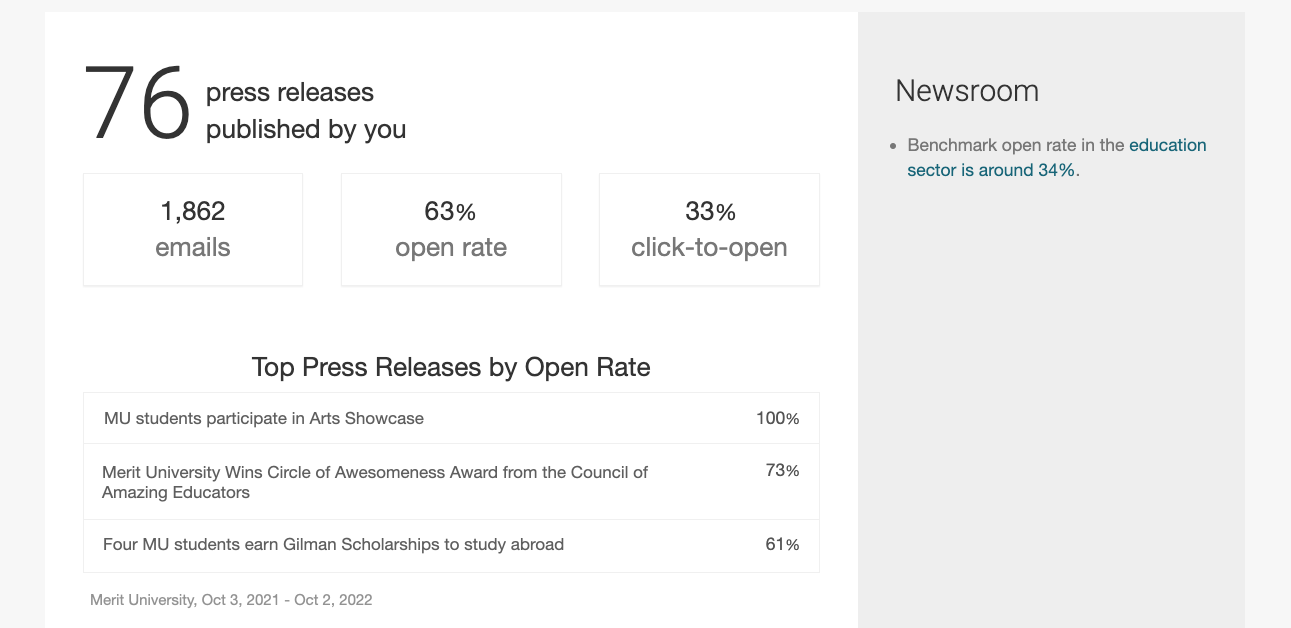
Here's a brief summary of the statistics you'll see there:
Emails - The total number of email addresses your press releases were delivered to
Open Rate - The percentage of people who viewed the press release sent to them by email
Click-to-Open Rate - Of the people who opened your emailed press release, this is the percentage of people who clicked on any link in the body of the story
Press Release Delivery Reports
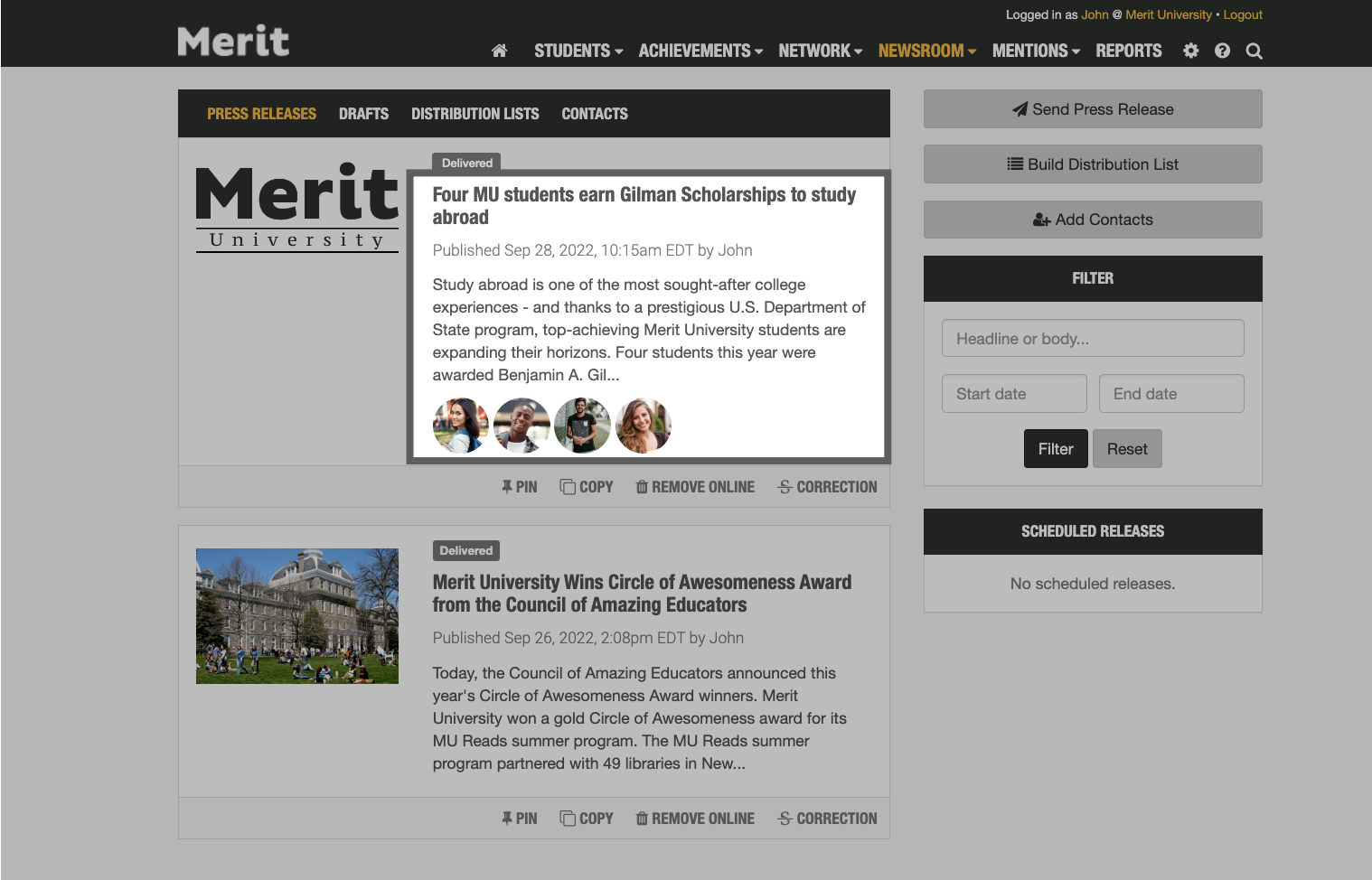
You can also see how each of your sent press releases performed on the Newsroom tab in your account. Just click on a press release card to view the story's delivery report:
At the top of your delivery report, you will see some information about your story, including the date it was sent, the distribution lists and contacts it was sent to, and the landing page it used:
Note: You can click on the name of the story to view it in your school's online newsroom
Below that, you will find a summary of the media recipients and personal contacts to whom your story was sent, a list of the students included in the story, and some statistics, including the story's open and click-through rates:
View Merit's Media Contacts
Your delivery report will show you a list of all the media outlets your press releases were delivered to. Here you can click on an outlet to see more information about them:
This will display the full contact information for that media outlet, including the email address your press release was sent to:
