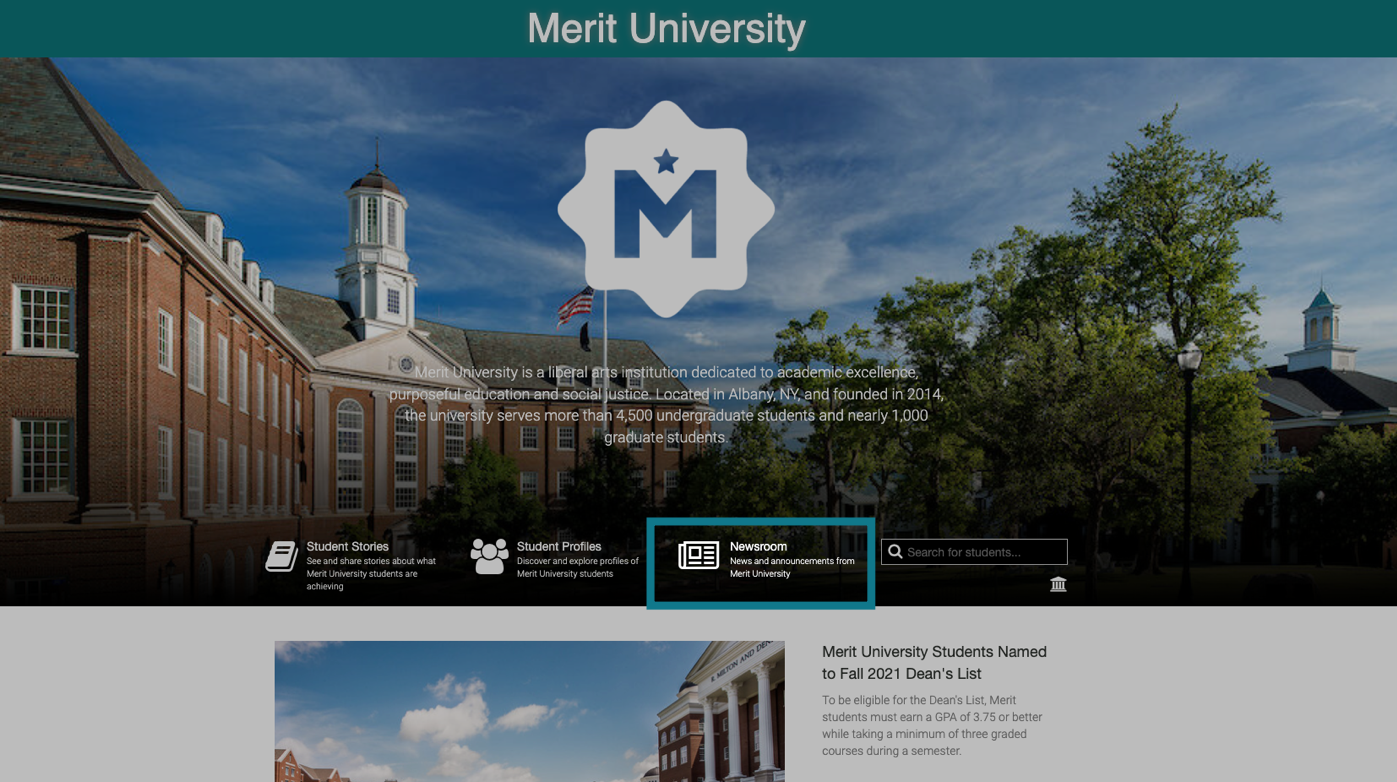
Posting your press releases online will add content to the Newsroom section of your school's Merit page. Anyone can view your press release archive by clicking on the Newsroom link:
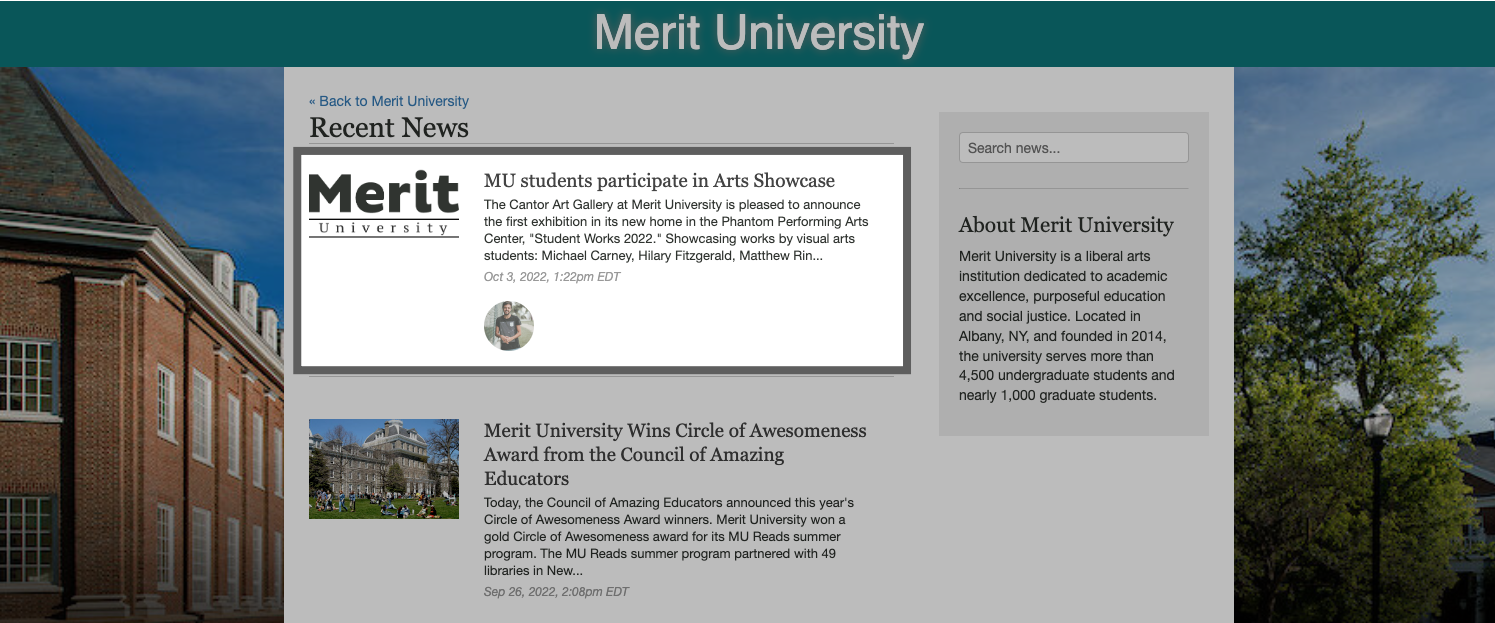
Each of your sent press releases will appear here:
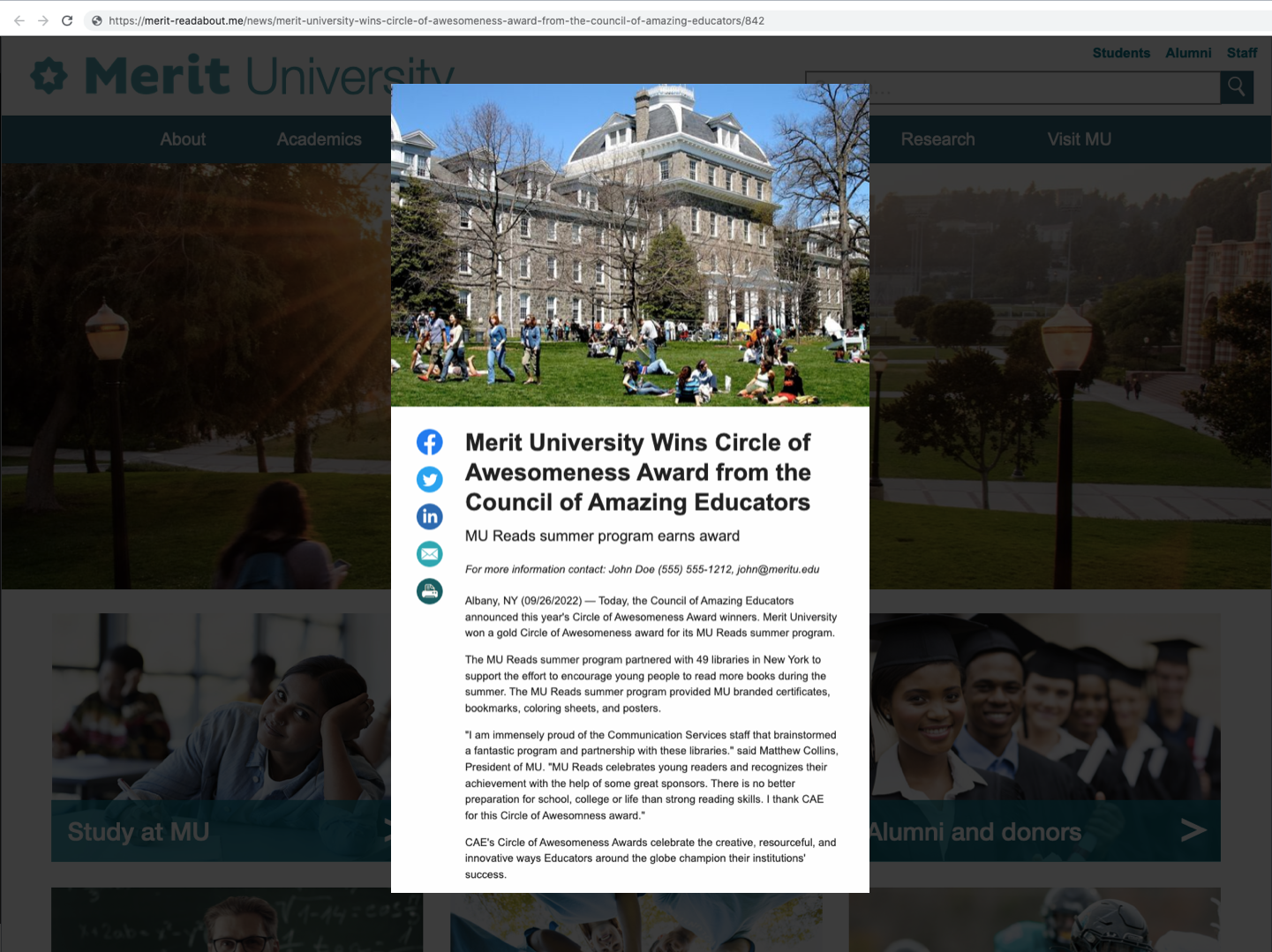
Click on any headline to view the full press release:
Pin a press release to the top of your Newsroom page
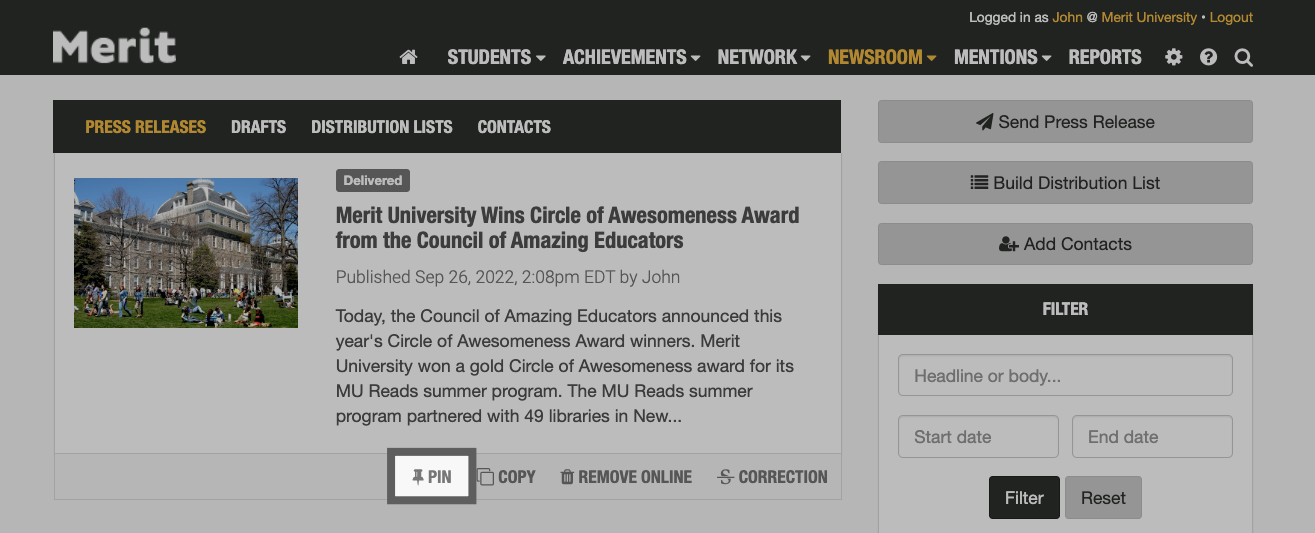
The press releases on your public Newsroom page will all be listed chronologically by default, but you can pin your most important press releases to the top of your page if you'd like. To do so, click on the Newsroom tab inside your account and then on the Pin button below each press release:
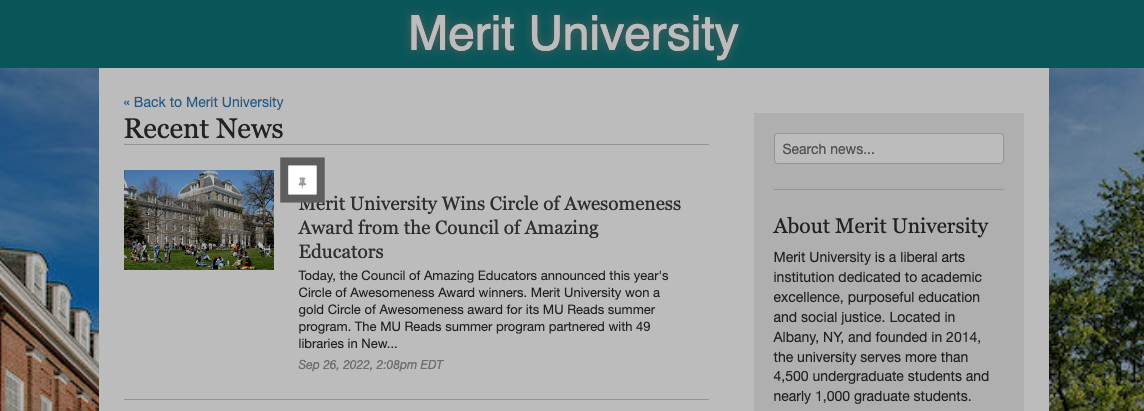
The pinned press release will then be moved to the top of your news archive. You will see a small thumbtack when viewing it online:
You can pin multiple press releases to your page. If you have more than one pinned, Merit will feature your most recent pinned release first.
