When sending a press release, you'll occasionally want to schedule it for a later day and time. To do this, select the Schedule for Later option at the end of the workflow:

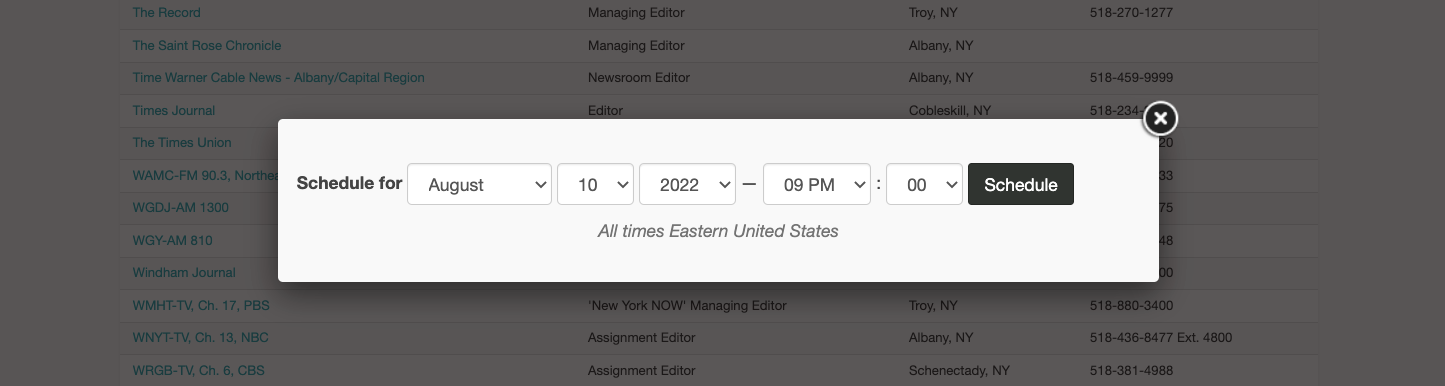
This will allow you to choose a date and time for your press release to go out:
Your scheduled press releases will appear on the Newsroom tab inside your account:
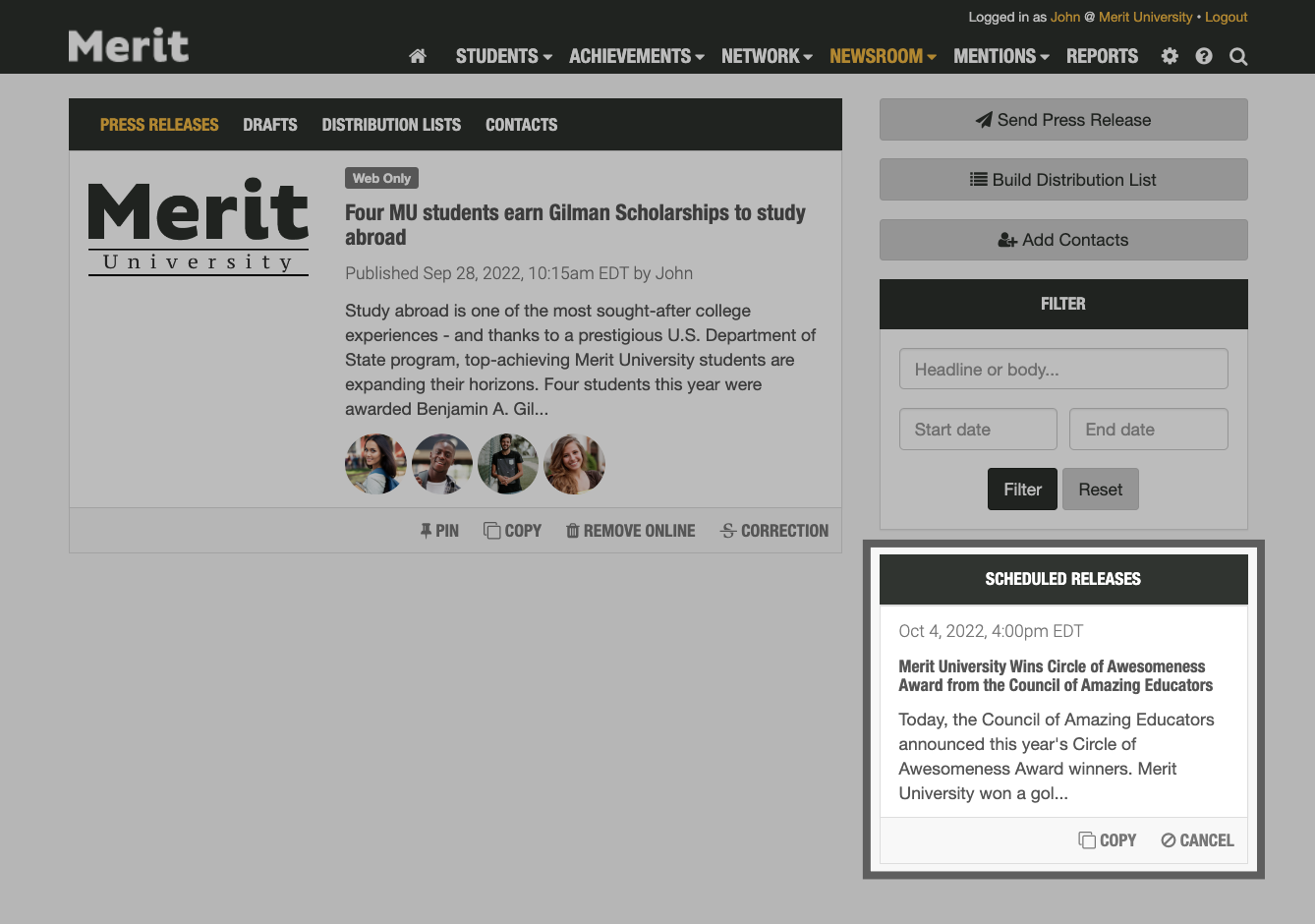
Clicking Cancel will return the scheduled story back to a draft state. You will be able to view and send it from the Newsroom > Drafts tab in your account.