Your press releases will be delivered to media outlets and students and also appear online. Here's what your releases will look like for each audience.
Press releases to the media
Your press releases to reporters and editors will be sent as text-only emails. Images are not embedded in Newsroom press releases sent to the media. They are instead included as links in the body of the email. Here's a sample press release email:
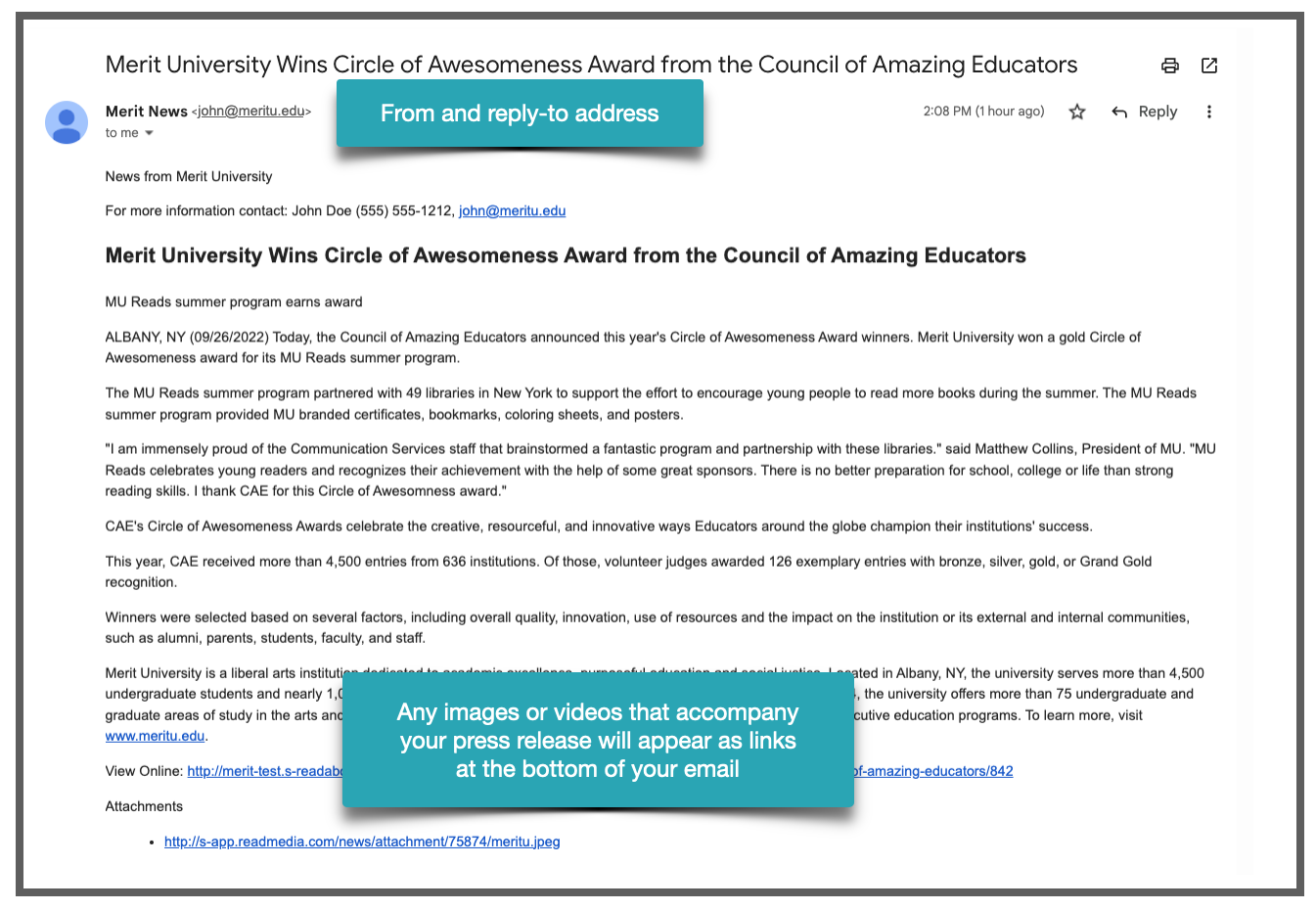
Note: As long as you have enabled whitelabeling inside your account, your press releases to the media will come from the email address associated with your Merit account. If you have not enabled whitelabeling, they will instead come from news@meritpages.com. Learn more about whitelabeling here.

Press releases to students
If a student was identified in your press release, you can automatically add the press release to their Merit page.
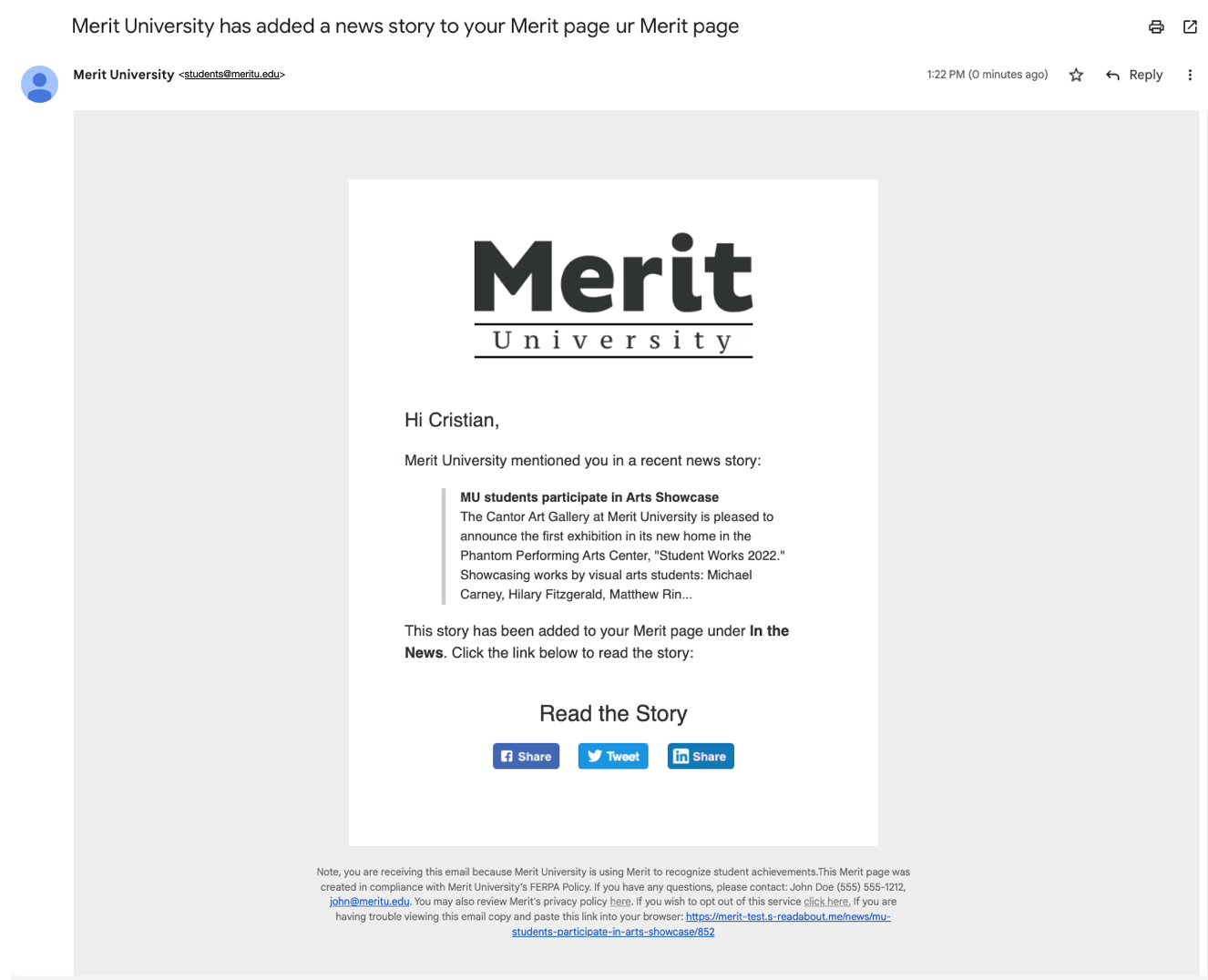
They will receive an email letting them know that you're adding content to their page:
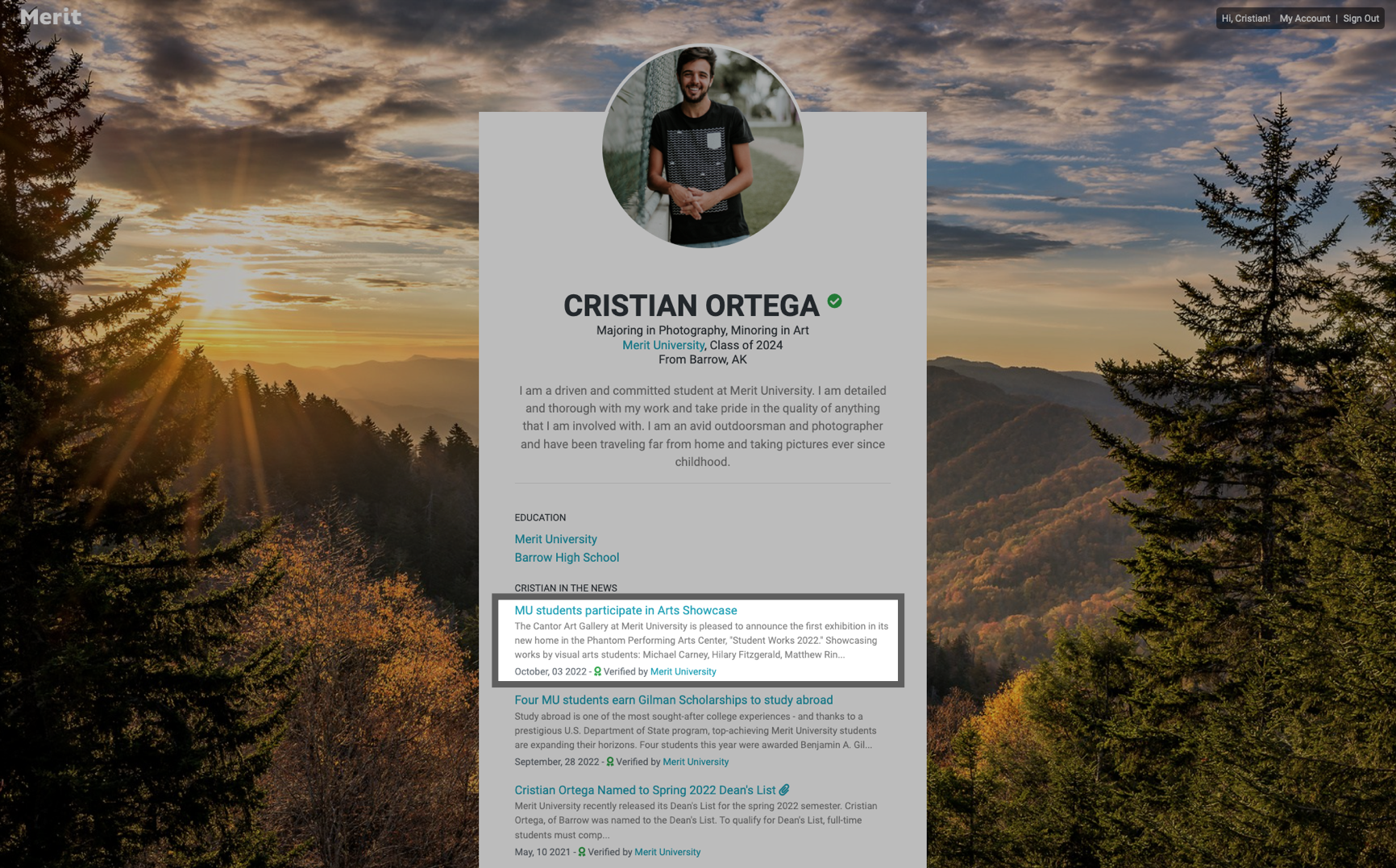
Here's an example of what the press release will look like on the student's Merit page:
Press releases in your school's Newsroom
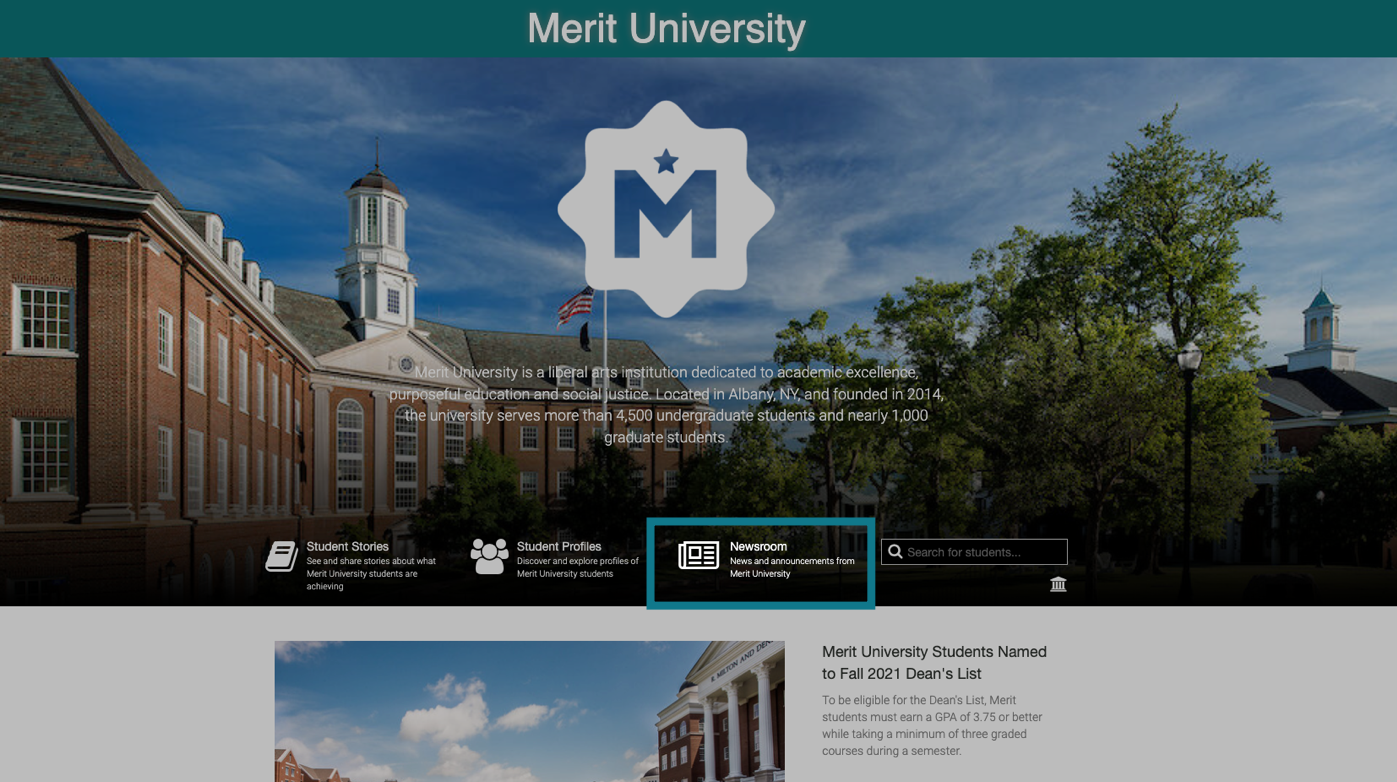
You can post any press release you send through Newsroom to your school's Merit page. Anyone can view it on your Merit page by clicking on the Newsroom link:
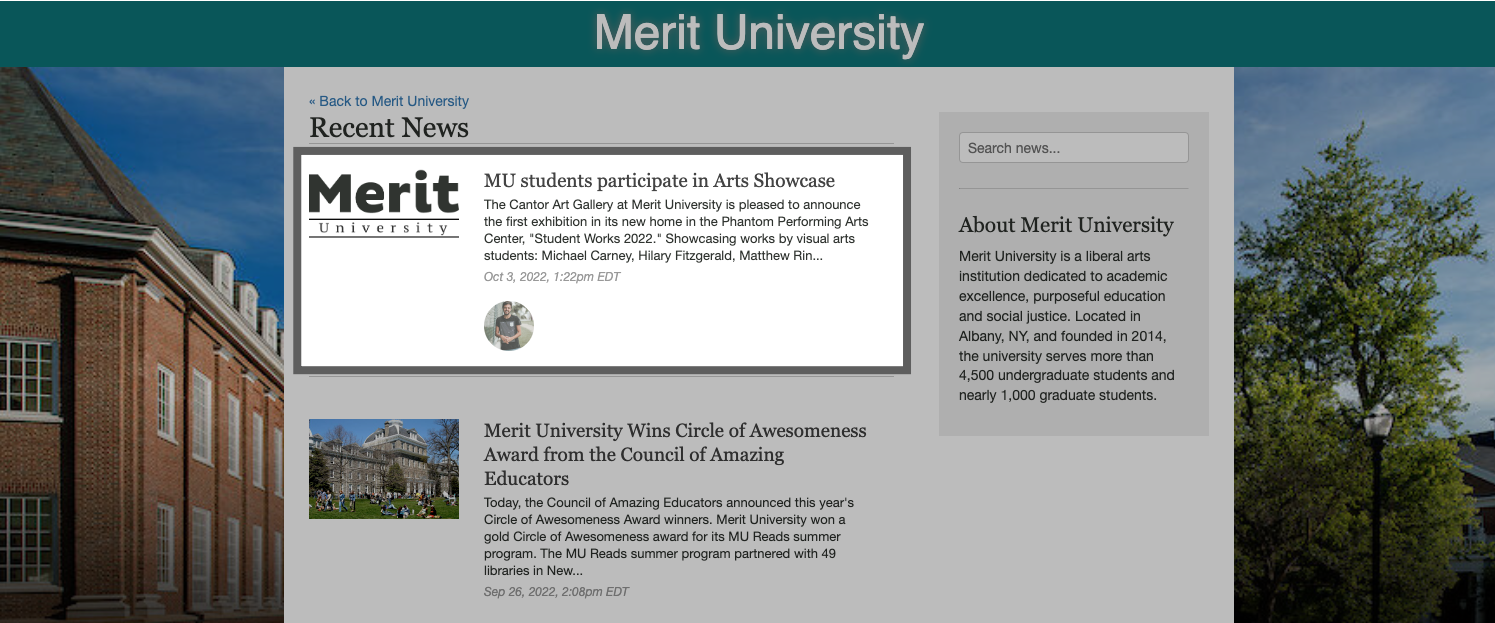
Your press releases will appear in an archive here:
And here's an example of what an online press release looks like:
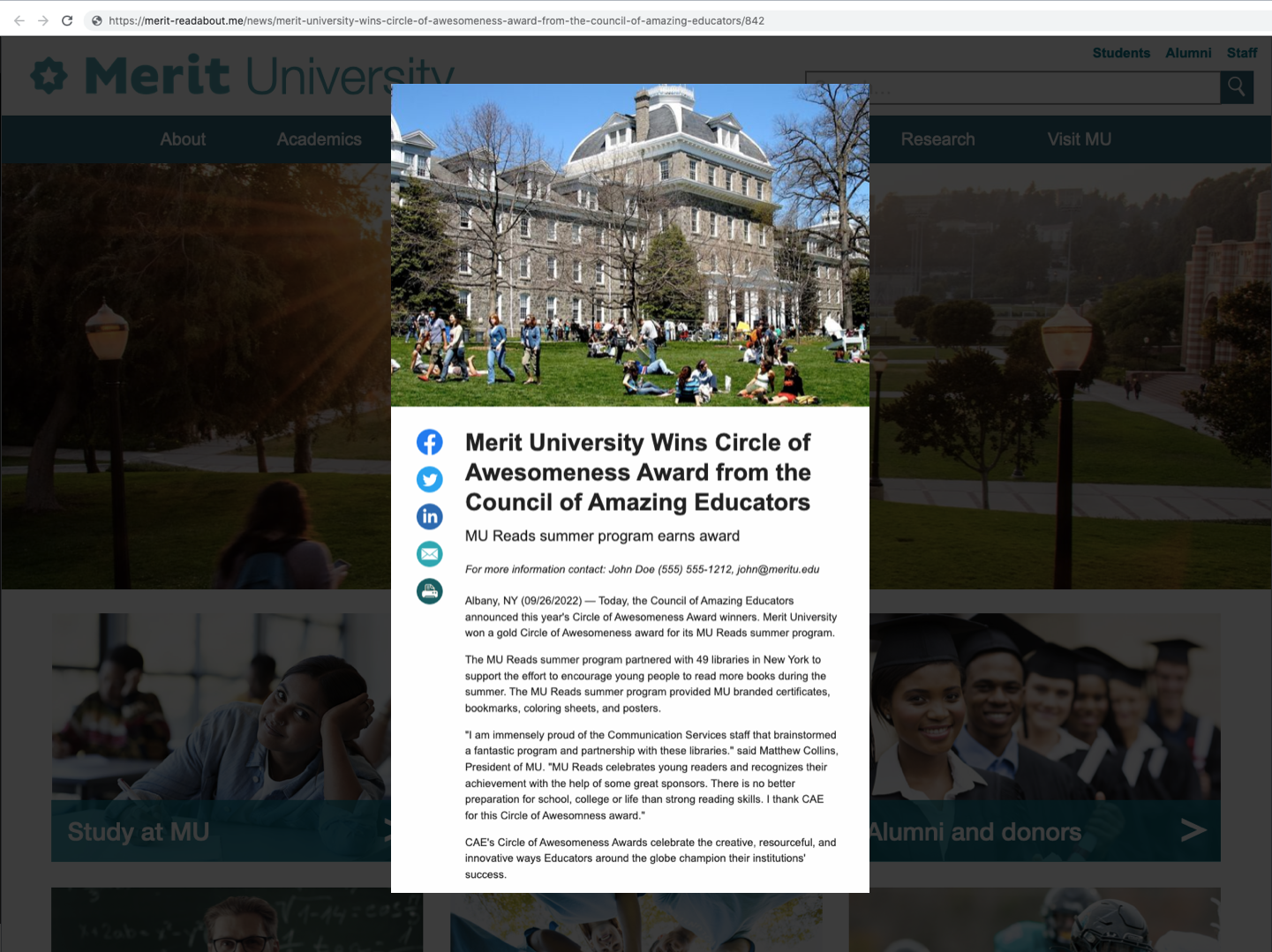
Note: If you use a landing page when publishing your press release, it will overlay your school's website. If not, it will live on your school's Merit page. Learn more about landing pages.
