While you can't delete a press release after it has been distributed, you can make changes to your online story or remove it from the web altogether.
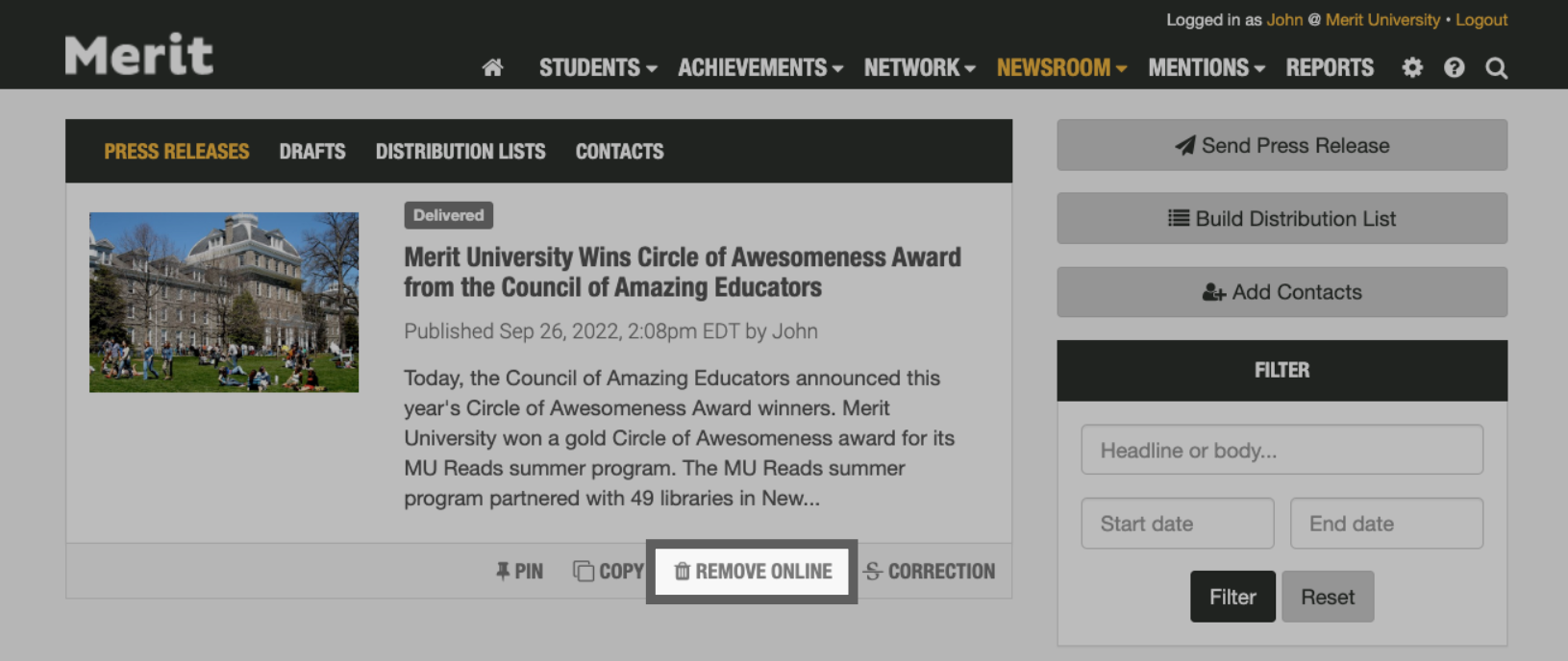
On the Newsroom tab inside your account, you'll see a card for every press release you've created. Click the Remove Online button to remove your published release from your school's Merit Newsroom and its associated feeds:
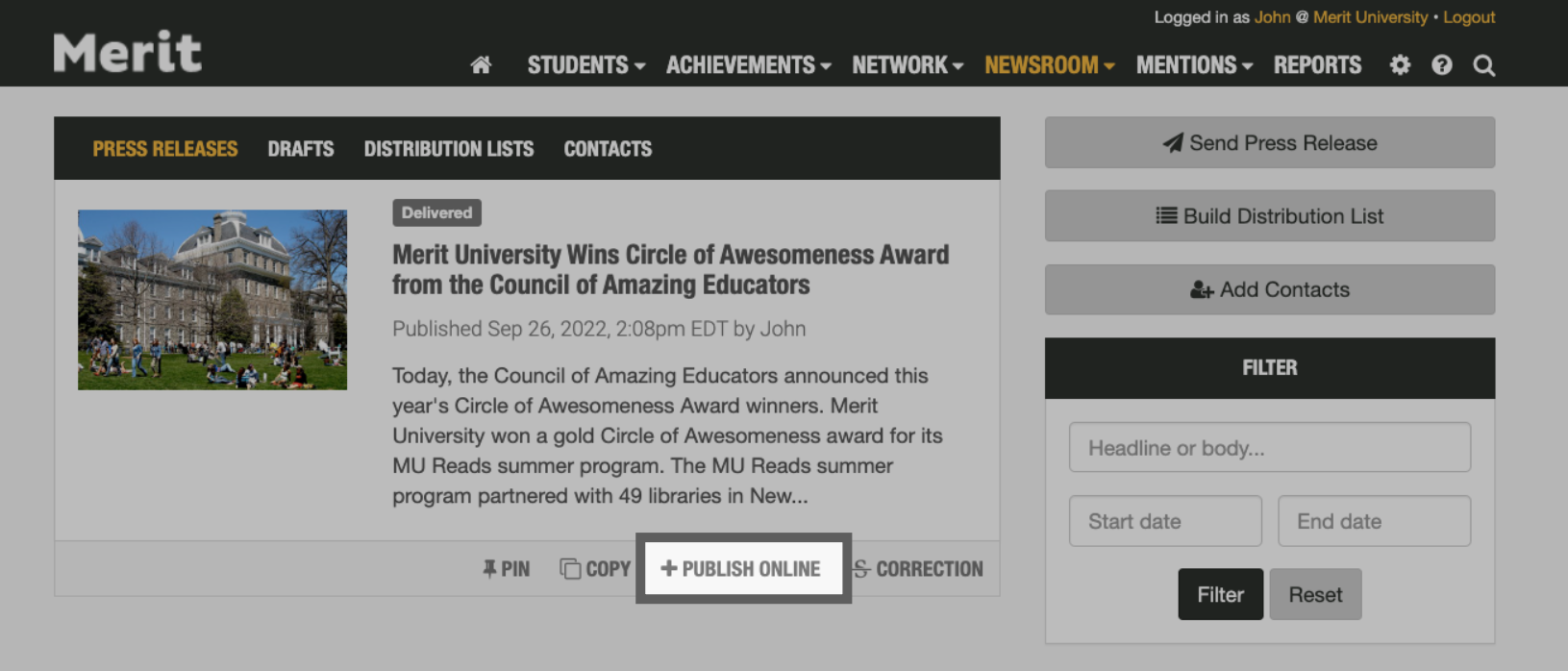
Alternatively, if a press release was not published to the web (or was previously removed), you can always add it to your school's Merit page and feeds by clicking the Publish Online button:
Once a press release has been published, there's no way to delete or cancel it. The emails will have already been delivered to their recipients.